10 Creative Ideas for Reels Using Only Photos (No Video Needed)
Unlock your creativity with these 10 inspiring ideas for making Instagram reels using only photos. No video required—just stunning images and clever editing for engaging content.
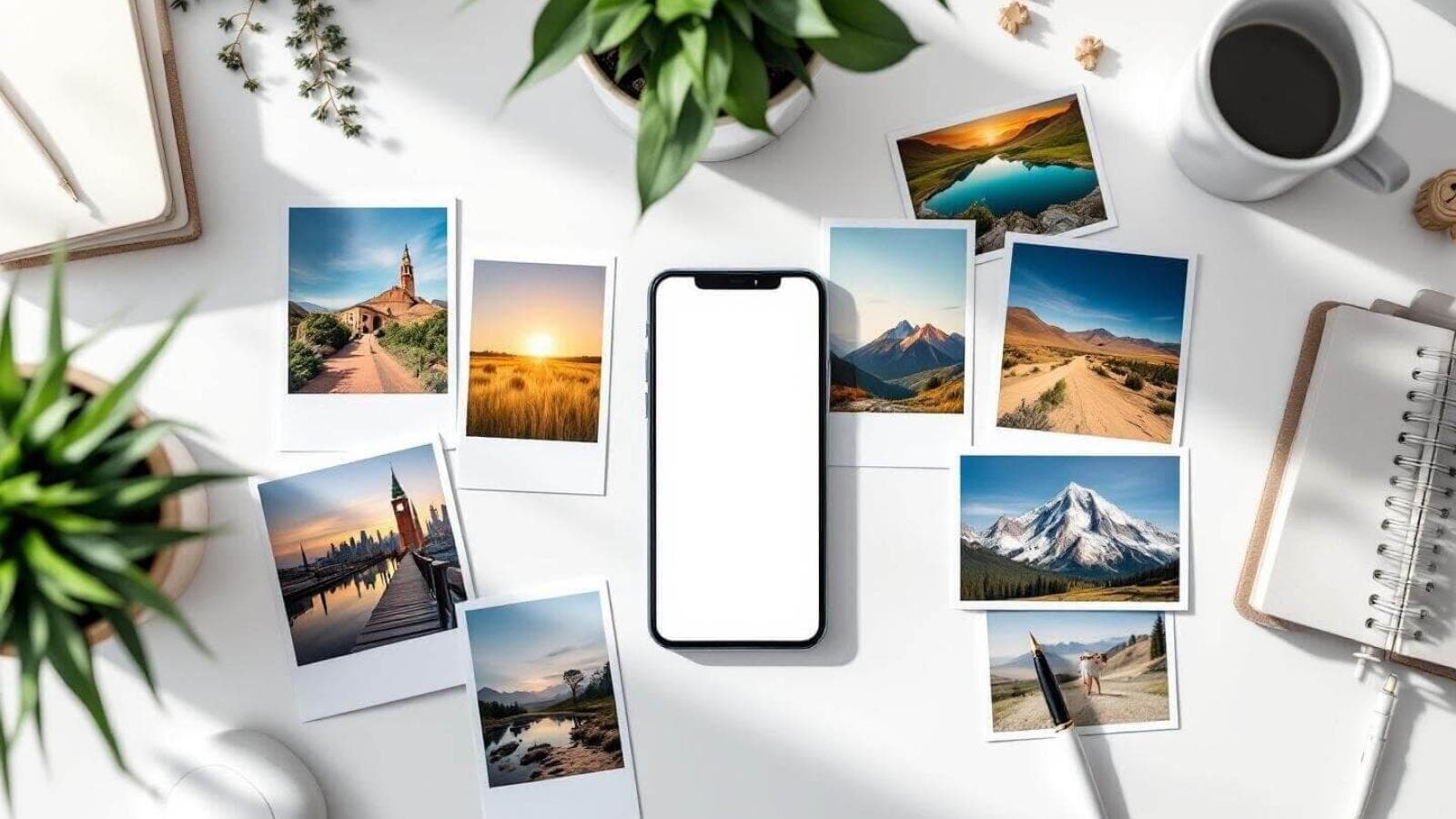
Are you struggling to create eye-catching Instagram Reels but don't want to shoot videos? Good news: you can craft stunning, high-performing reels using photos alone. Whether you're a photographer, social media manager, or small business owner, photo-only reels can boost engagement, showcase your creativity, and help you stand out—no video editing needed!
In this in-depth guide, you'll discover 10 unique and practical ideas for reels without video, learn photo editing tricks, see inspiring examples, and get actionable tips to maximize your reach. Ready to make your Instagram photo reels shine? Let’s dive in!
Why Make Reels Using Photos?
Instagram Reels aren’t just for video creators. With the rise of visual storytelling and changing algorithm preferences, photo-only reels are trending. They’re perfect for:
- Showcasing photography portfolios
- Sharing before-and-after edits
- Creating product showcases
- Making quick, engaging content without filming
- Repurposing existing images
1. Before & After Transformations
Show your audience the magic of transformation! Whether it’s a makeup look, interior design, or photo editing, use a simple sequence of before and after images for instant impact.
How to Do It:
- Start with the “before” image, then swipe or fade into the “after.”
- Add a dramatic transition or effect for emphasis.
- Use trending music to match the vibe.
Best for: Beauty, fitness, design, photographers.
TipUse Instagram’s built-in transitions like “Dissolve” or “Zoom” to make your before-and-after reels pop.2. Step-by-Step Tutorials
Break down your process with a photo series. Whether it’s a recipe, DIY project, or art piece, show each stage as an easy-to-follow photo slideshow reel.
How to Do It:
- Capture each major step as a separate photo.
- Sequence them chronologically for clarity.
- Overlay brief text or stickers for instructions.
Best for: Artists, bakers, crafters, educators.
3. Storytelling with Still Images
Tell a story or share a journey—like travel highlights or a day-in-the-life—using only photos. Sequence images for emotional narrative and add captions for context.
How to Do It:
- Select 5–10 images that represent key moments.
- Arrange them to build tension or emotion.
- Pair with music that matches the story’s mood.
4. Product Showcases & Flat Lays
Businesses can use photo-based reels for social media to creatively display products. Try flat lays, close-ups, or styled product shoots.
How to Do It:
- Photograph your product from multiple angles.
- Mix detail shots with lifestyle photos.
- Use captions or stickers to highlight features.
Best for: Ecommerce, small businesses, brands.
WarningAvoid using low-resolution images—blurry or pixelated photos reduce credibility and engagement on Instagram.5. Creative Collages & Grids
Combine multiple images into a single frame or use a grid layout for a dynamic, artsy effect. There are many free apps for making photo collage reels ideas.
How to Do It:
- Use a collage app (like Canva or PicsArt) to assemble images.
- Add creative frames, stickers, or backgrounds.
- Rotate or zoom in for an animated effect in your reel.
6. Trending Photo Challenges
Join in on viral trends and challenges using only photos. For example, do a "photo dump," "then vs. now," or recreate a popular meme.
How to Do It:
- Watch for trending hashtags and challenges.
- Adapt the format to your niche or brand.
- Use relevant music to boost discoverability.
7. Animated Photo Slideshows
Add simple animations—like pan, zoom, or fade—to your images for movement. Apps like InShot or CapCut make it easy to create photo slideshow reels with slick transitions.
How to Do It:
- Sequence your images in the app.
- Apply animated transitions between photos.
- Export and upload directly to Reels.
8. Inspirational Quotes Over Images
Pair beautiful photos with motivational quotes. These reels are highly shareable and perfect for personal brands or businesses.
How to Do It:
- Choose a striking image as the background.
- Overlay a quote using a photo editor.
- Sequence multiple quote-image pairs for a reel.
9. Portfolio Highlights for Photographers
Photographers can create mini-galleries to display their best shots. This is great for attracting new clients and building authority.
How to Do It:
- Curate 5–15 of your best images.
- Sequence by genre, theme, or color.
- Add your logo as a watermark (subtly, if desired).
10. Event Recaps & Photo Dumps
Share the best moments from events, trips, or launches with a quick, fun Instagram photo reels. Photo dumps feel authentic and encourage interaction.
How to Do It:
- Select a diverse set of candid and posed images.
- Use fast-paced music for energy.
- Add captions or emojis for personality.
How to Make Reels Using Only Photos: Step-by-Step
- Plan Your Reel: Outline the story or message you want to convey.
- Choose Your Photos: Use high-quality, well-lit images.
- Edit Images (Optional): Enhance colors, crop, or add effects using apps like Snapseed or Lightroom.
- Arrange in Reels Editor: Upload your photos in sequence to Instagram Reels.
- Add Transitions & Effects: Use built-in transitions or third-party apps for smooth movement.
- Select Music: Pick trending or relevant audio to boost engagement.
- Add Captions/Stickers: Highlight key messages or calls-to-action.
- Preview & Adjust Timing: Make each image appear long enough to be seen.
- Post with Hashtags: Use niche and trending hashtags for discovery.
Best Apps for Creating Photo-Only Reels
- InShot: User-friendly for slideshows, transitions, and music.
- CapCut: Advanced transitions and effects.
- Canva: Great for collages and text overlays.
- PicsArt: Creative filters and layouts.
- Instagram Reels Editor: Simple for quick uploads and basic effects.
How Many Photos Should You Use in a Reel?
Aim for 5–20 images for most reels. Too few can feel abrupt; too many may lose viewers’ attention. For photo slideshow ideas for reels, experiment to find what works for your content and audience.
Photo Editing Tips for Engaging Reels
- Boost brightness and contrast for clarity.
- Use consistent color grading for a cohesive look.
- Add subtle vignettes or blur backgrounds for focus.
- Avoid heavy filters that obscure details.
Music & Audio: Setting the Mood
Music is essential for engaging reels. Pick tracks that fit your images’ mood—upbeat for events, mellow for storytelling, or trending sounds for wider reach. Instagram’s music library is full of options.
Photo Reels for Businesses: Marketing Ideas
- Showcase new product launches with a countdown.
- Share customer testimonials with their photos.
- Highlight team members or behind-the-scenes moments.
- Announce events or sales with creative slideshows.
Latest News & Trends
Instagram is continuously evolving, and photo-based content is on the rise. Here’s what’s new in the world of reels using photos:
- Photo-Only Reels Are Trending: Influencers and brands are experimenting with dynamic slideshows, leading to increased engagement and reach without the need for video.
- More Editing Tools: Instagram and third-party apps now offer advanced transitions, animated stickers, and effects tailored for photo reels.
- Algorithm Boost: Instagram’s algorithm is currently favoring reels that use trending audio and creative transitions, including those with just images.
- Cross-Platform Sharing: Photo reels are being shared across platforms like Facebook and TikTok, expanding their reach and utility.
Conclusion: Start Creating Engaging Photo-Only Reels Today!
You don’t need to be a videographer to thrive on Instagram. With just your camera roll and a bit of creativity, you can create scroll-stopping reels using photos that captivate and convert. Try out these 10 ideas, experiment with editing and transitions, and join the latest visual storytelling trends.
Ready to take your Instagram photo reels to the next level? Start planning your next reel today—and don’t forget to tag us with your creations!
About Prateeksha Web Design
Prateeksha Web Design helps businesses and creators stand out on social media with expert strategies for Instagram reels, including creative photo-only content, visual branding, and impactful digital marketing services.