WhatsApp Business API vs WhatsApp Business App: Which Does Your Indian Business Need?
The free WhatsApp Business App handles basic enquiries. The API automates sequences and scales. Here is how to decide which your Indian business actually needs.
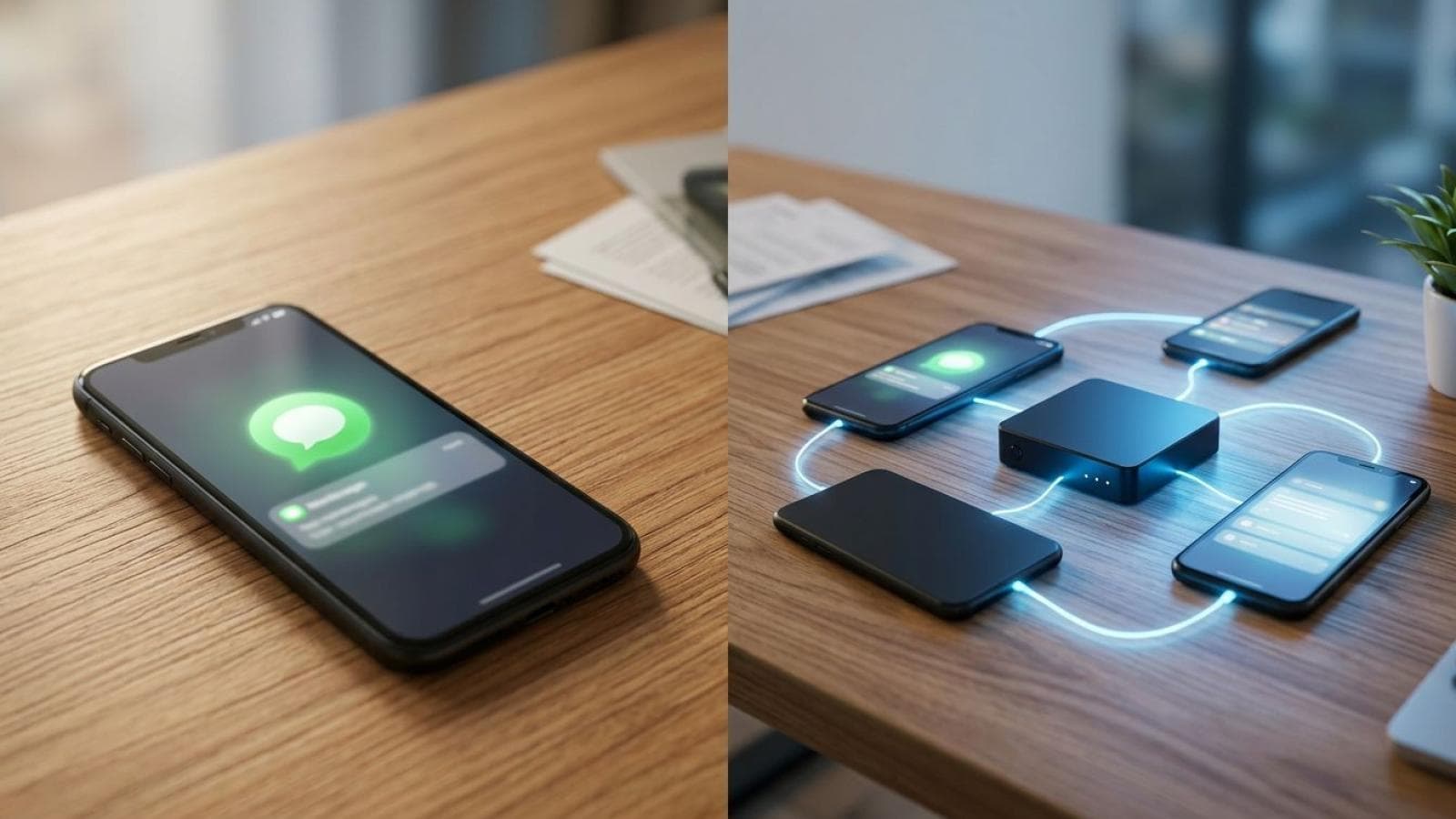
Every Indian business owner who discovers WhatsApp automation asks the same question: do I need the paid API or is the free WhatsApp Business App enough? The answer depends entirely on your enquiry volume, team size, and how automated you want your lead response system to be. This guide compares both options with India-specific costs and a clear decision framework.
The 5 Key Differences Between WhatsApp Business App and API
The WhatsApp Business App and WhatsApp Business API share the same messaging infrastructure but serve fundamentally different use cases. Understanding the differences saves you from paying for features you do not need — or using a free tool that cannot scale with your business.
| Feature | WhatsApp Business App (Free) | WhatsApp Business API (Paid via BSP) |
|---|---|---|
| Agents / Users | 1 device, 1 agent only | Unlimited agents, shared inbox |
| Automated Sequences | Basic away message + quick replies only | Full multi-step automation flows |
| Broadcast Messaging | Up to 256 saved contacts (manual) | Unlimited opt-in contacts (automated) |
| CRM Integration | No — standalone app only | Yes — integrates with Zoho, HubSpot, Salesforce, custom CRMs |
| Analytics | Basic message counts only | Full funnel analytics: sent, delivered, read, replied, converted |
| Message Templates | Quick replies only (no approval required) | Meta-approved templates for proactive outreach |
| Cost | Free | ₹999–₹5,000/month (BSP fee) + Meta per-conversation charges |
| Setup Time | 2 hours | 5–14 business days (Meta verification required) |
What WhatsApp API Can Do That the Free App Cannot
The WhatsApp Business API unlocks four capabilities that the free app fundamentally cannot provide, regardless of how many shortcuts or workarounds you use.
Multi-agent shared inbox. The free WhatsApp Business App is locked to a single device and a single phone number. If you have a team of 3 people handling enquiries, only one person can respond at a time on the app. The API connects to a web-based shared inbox where every agent sees all conversations, can claim specific chats, and can transfer conversations — exactly like a help desk. For Indian businesses with a sales team of 2 or more people, this alone justifies the API cost.
Automated follow-up sequences. A free app can send one automated message — the away message. The API supports multi-step sequences: "Day 0: Welcome message → Day 1: Follow-up if no reply → Day 3: Case study → Day 7: Final offer." Meta's 2025 Business Messaging data shows that businesses using multi-step sequences (3+ messages) achieve 35% higher conversion rates than those sending a single initial message.
Proactive broadcasts to opt-in lists. The free app limits broadcasts to 256 saved contacts and requires every recipient to have your number saved. The API sends to unlimited opt-in contacts — people who gave permission to receive messages — and uses Meta-approved message templates that bypass the "saved contact" restriction. This is the mechanism behind campaigns like "Your estimate is ready" or "Your service reminder is due" — high-value automated touchpoints with your existing customer base.
CRM integration and pipeline tracking. The API connects directly to your CRM via webhook or pre-built integration. Every WhatsApp conversation becomes a tracked lead in your pipeline — with timestamps, message history, agent notes, and conversion status. For a WhatsApp funnel to function as a true lead generation system rather than just a chat tool, CRM integration is essential.
How Much Does WhatsApp Business API Cost in India?
WhatsApp API pricing in India has two components: the Business Solution Provider (BSP) platform fee and Meta's per-conversation charge. Both are lower than global rates, making India one of the most cost-effective markets for WhatsApp automation.
| BSP | Starting Plan (INR/month) | Conversations Included | Agents Included | Best For |
|---|---|---|---|---|
| AiSensy | ₹999/month | 1,000 free service conversations | 2 agents | Small businesses, testing |
| Interakt | ₹2,499/month | Unlimited free conversations (inbound) | 3 agents | Growing SMBs with sales teams |
| Wati | ₹2,899/month | 1,000 conversations | 5 agents | Teams needing automations + CRM |
| Zoko | ₹4,999/month | Unlimited | Unlimited | Ecommerce, D2C brands |
On top of the BSP fee, Meta charges per conversation in India (as of 2026):
- User-initiated conversations (service): ₹0.42 per conversation (the customer messages you first)
- Business-initiated conversations (marketing): ₹0.83 per conversation (you message the customer first)
- First 1,000 service conversations per month: Free
For a Mumbai service business receiving 200 enquiries/month, the total cost is approximately: ₹2,499 (BSP) + ₹0 (first 1,000 service conversations free) = ₹2,499/month total. Most businesses recoup this from a single additional project booked through automated follow-up.
Use GA4 conversion tracking to measure the ROI — track WhatsApp enquiries as conversions and calculate your cost per lead.
Which Indian Businesses Actually Need the API (and Who Does Not)
You need the WhatsApp Business API if:
- You receive more than 50 WhatsApp enquiries per month (the free app becomes unmanageable)
- You have 2 or more people handling customer enquiries (shared inbox is essential)
- You want automated follow-up sequences for leads that do not respond immediately
- You run WhatsApp marketing campaigns to existing customers (newsletters, offers, reminders)
- You want to integrate WhatsApp with your CRM, Shopify store, or booking system
- You are building a lead generation system where speed of follow-up is a competitive advantage
The free WhatsApp Business App is enough if:
- You receive fewer than 30 WhatsApp enquiries per month
- You are a solo operator or have one person dedicated to responding
- Your enquiries are mostly inbound conversations that do not require proactive follow-up
- You are just starting out and want to test WhatsApp as a channel before investing
Not sure which WhatsApp solution your business needs? We assess your enquiry volume, team structure, and growth goals — then recommend and build the right system.
Talk to us about WhatsApp automationHow to Get Started with WhatsApp API in 5 Steps
- Create and verify your Meta Business Manager. Go to business.facebook.com, create a Business Manager account, and submit your business for verification. You need: legal business name (matching your GST registration), business website, and a working business phone number. Verification takes 3–7 business days for Indian businesses.
- Choose your BSP (Business Solution Provider). For most Indian SMBs starting out, AiSensy (₹999/month) or Interakt (₹2,499/month) are the best starting points. AiSensy has the lowest entry cost; Interakt has a more complete shared inbox. Sign up, complete your business profile, and connect your verified Meta Business Manager.
- Register your WhatsApp number. Provide a phone number that is NOT already a personal WhatsApp account. Your BSP will send a verification code to this number via SMS or voice call. This number becomes your permanent business WhatsApp number — choose it carefully (a landline or dedicated mobile works).
- Create your first message templates. Build your welcome message, qualification questions, and follow-up sequence using your BSP's template builder. Submit them to Meta for approval — approval typically takes 2–24 hours for straightforward templates without promotional claims.
- Add the WhatsApp button to your website and test. Your BSP provides a click-to-chat widget or wa.me link. Add it to your website header, homepage hero, service pages, and as a sticky mobile button. Test the full flow from a different phone: click the button → send a message → confirm the welcome message arrives → test your first automation step.
Prateeksha Web Design manages the complete setup — Meta verification, BSP configuration, automation sequences, website integration, and GA4 tracking — as part of our WhatsApp funnel setup service. Most setups go live within 7–10 days.
Frequently Asked Questions
Can I use WhatsApp API without a verified Facebook Business Manager?
No — a verified Facebook Business Manager (now Meta Business Manager) is required to access the WhatsApp Business API. Meta uses it to verify that your business is legitimate before granting API access. The verification process typically takes 3–7 business days for Indian businesses and requires a government-registered business name, a website, and a business phone number. Your WhatsApp Business Solution Provider (BSP) such as Interakt or AiSensy will guide you through the verification process when you sign up.
Is WhatsApp API worth it for a small business with under 100 enquiries per month?
For businesses receiving fewer than 50 enquiries per month, the free WhatsApp Business App is sufficient. The API becomes worth the cost (₹2,000–₹4,000/month) when you need automated follow-up sequences, multiple team members handling chats simultaneously, CRM integration, or broadcast messaging to opt-in lists. The ROI calculation is straightforward: if your average project value is ₹25,000 and the API helps you close just 2 additional projects per month, it pays for itself 10–15x over.
Can WhatsApp API send automated replies in Hindi or regional languages?
Yes. The WhatsApp Business API fully supports Hindi, Marathi, Tamil, Telugu, Bengali, Gujarati, and all other languages supported by WhatsApp. You can create message templates in any language, and the API sends them in the same Unicode encoding that WhatsApp uses for everyday messages. Most Indian BSPs (Interakt, AiSensy, Wati) allow you to create multi-language templates in their dashboards without any additional configuration.
What happens if I exceed WhatsApp API message limits?
WhatsApp API accounts start with a messaging tier of 1,000 unique conversations per day. As you send more messages and maintain quality metrics (low block rates, high read rates), Meta automatically upgrades your tier to 10,000, then 100,000, then unlimited conversations per day. Indian businesses rarely hit the 1,000/day limit unless they are running large broadcast campaigns. If you do hit the limit, messages queue and send the next day — no messages are lost.
How long does it take to get WhatsApp Business API access in India?
The full setup process — from signing up with a BSP to sending your first automated message — takes 5–14 business days for most Indian businesses. The longest step is Meta Business Manager verification, which takes 3–7 days. Once verified, your BSP (Interakt, AiSensy, or Wati) activates your API access within 24–48 hours. Prateeksha Web Design manages the entire setup process for clients as part of our WhatsApp funnel setup service.
Ready to automate your WhatsApp lead generation? We handle Meta verification, BSP setup, automation sequences, and website integration — end to end.
Get your WhatsApp funnel built in 7 days