Google Business Profile for Service-Area Businesses in Mumbai: A Practical Optimization Guide
A practical guide to GBP setup for Mumbai plumbers, electricians, and SABs — address, service areas, categories, and suspension risks.
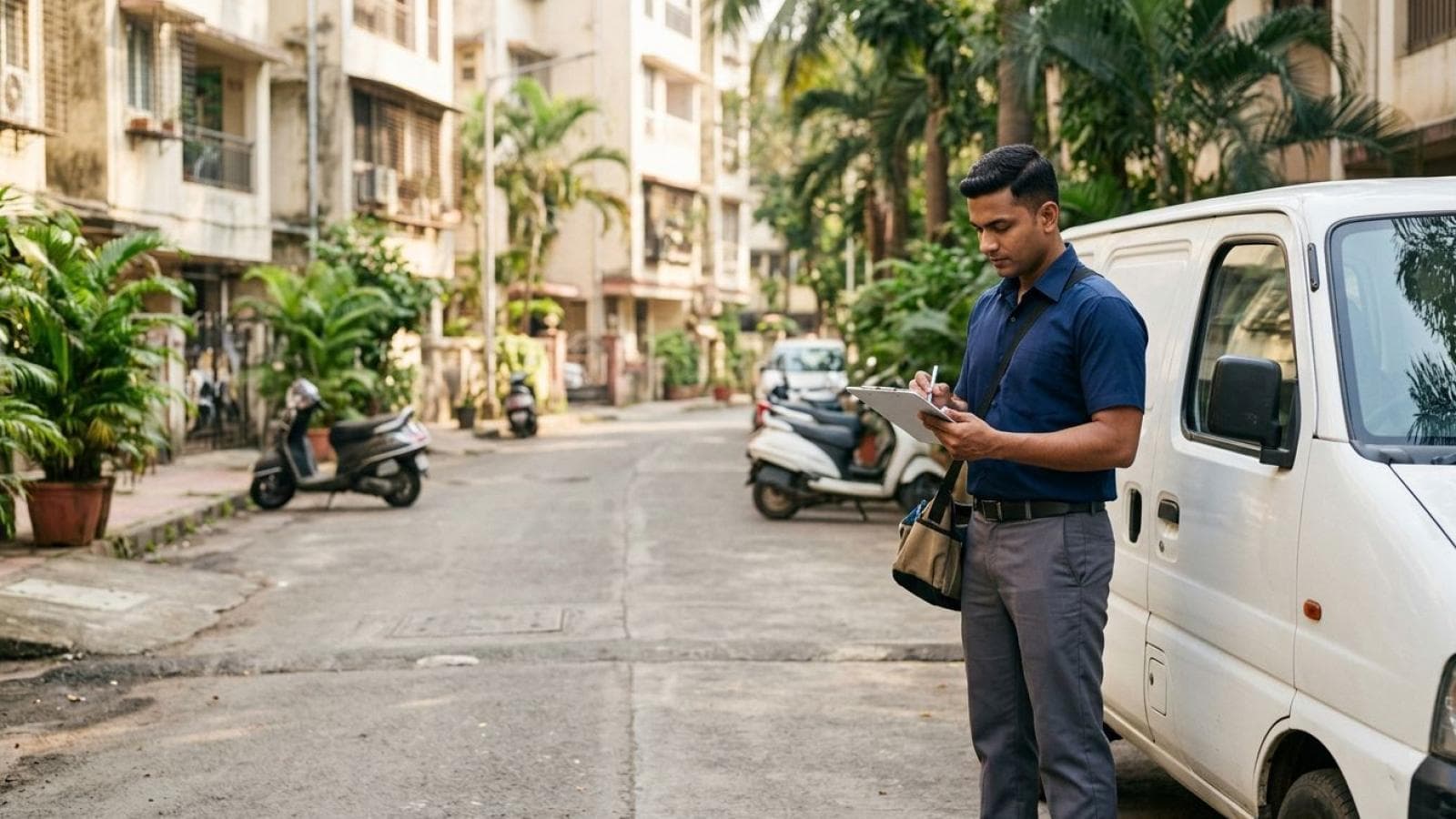
If your business drives to the customer instead of the other way around — a plumber covering Andheri, a pest-control team working Bandra to Powai, a security agency staffing offices across the city — your Google Business Profile needs a different setup than a shop with a signboard. A service-area business (SAB) profile hides its street address, lists the areas it serves instead, and gets ranked mostly on relevance and prominence rather than proximity to a storefront. Get this wrong and you risk thin visibility at best, and a suspension at worst.
Most Google Business Profile guides assume a shopfront — a restaurant, a clinic, a retail store. Service-area businesses follow different rules inside the same product. This guide covers the mechanics for Mumbai-based SABs — plumbers, electricians, security agencies, pest-control companies, caterers, and B2B teams like web design agencies.
What Is a Service-Area Business on Google Business Profile?
A service-area business is a Google Business Profile category for companies that travel to customers rather than receiving them at a fixed address — plumbers, electricians, locksmiths, pest-control operators, caterers, cleaners, security staffing agencies, and remote-first agencies all qualify. Google's Business Profile Help documentation defines an SAB as a business that visits or delivers to customers directly but doesn't serve them at its business address.
The practical difference shows up in three places: address visibility, how you define where you work, and how Google ranks you. A storefront shows its exact address as a pin; an SAB shows a service-area boundary instead, with no address visible to searchers. Get this wrong in either direction and you're misrepresenting the business type — the most common reason an SAB profile gets flagged.
How to Correctly Set Up a Service-Area Profile
Getting an SAB profile right comes down to three things, done in order: choose service-area type at creation, hide the address, and define service areas by named place rather than a vague radius.
- Select "I deliver goods and services to my customers" during setup. This puts the profile into service-area mode from the start. Picking "customers visit my business" locks it into storefront mode, which can be changed later but creates more friction than starting correctly.
- Set a real business address for verification, then hide it. Google still needs a genuine address internally — your registered office, home office, or warehouse — for verification and distance-based relevance. Even hidden, that address is still used to judge how far your business sits from a searcher; an SAB isn't ranking-neutral to location, it just doesn't show the pin. In profile settings, toggle "Show business address to customers" off if customers never visit it. Never enter a fake or PO-box address to hide the real one.
- Add service areas by city, locality, or pincode. Google Business Profile allows up to 20 service areas per profile, each defined as a city, postal code, or region. Enter the actual place name — "Andheri West, Mumbai" or "Bandra, Mumbai" — rather than relying on a generic radius alone, since named areas match more precisely to how people search than an abstract circle on a map.
- Keep the list realistic, not aspirational. Google recommends limiting service areas to roughly a two-hour driving radius for same-day or urgent categories, and avoiding a whole state "just in case." A pest-control company genuinely servicing Andheri, Bandra, Juhu, and Powai should list exactly those four suburbs, not "Mumbai" plus a dozen it has never worked in.
Category Selection Nuances for Service-Area Businesses
Category selection decides which searches your profile can even appear in. SABs face one extra constraint storefront businesses don't have: the primary category has to describe what the business does, not where it's based, because there's no address to anchor the listing.
- Choose the most specific category available. "Pest Control Service" outranks "Home Services" for pest-control searches, because Google's category taxonomy is built for specificity — a broader category dilutes relevance rather than widening reach.
- Add secondary categories only for services you genuinely offer. A security agency doing guard deployment and CCTV installation can add both; one that only does guard deployment shouldn't add CCTV installation "just in case" — Google treats category misuse as a policy issue that can trigger a suspension review.
- Re-check the category list periodically. Google periodically retires or renames categories. A caterer stuck on an outdated label can silently lose eligibility for searches that moved to a newer, more specific name.
For a business straddling two categories — a web design agency also running WhatsApp funnel setup and SEO — the primary category should match the highest-intent search term the business wants to win, with the rest as secondary. Our local SEO services team maps this out during onboarding.
How Reviews, Photos, and Posts Work Differently Without a Storefront
Reviews, photos, and Posts all still work without a storefront — they just need a slightly different approach.
Reviews matter just as much, arguably more, since a searcher can't judge an SAB by walking past a physical location. Ask right after the job finishes at the customer's site, not after a generic follow-up call days later — the completed job is the trust moment for an SAB.
Photos can't show a storefront exterior, so the substitute is job-in-progress and completed-job photography — a pest-control technician mid-treatment, a caterer's setup at a real event, a security team on-site at a commercial property. Dated photos from real jobs across the listed areas reinforce that the business genuinely operates where it claims to.
Posts, Google's built-in update feed, work identically for SABs and storefronts, but content should lean toward proof-of-work — a completed job in a named suburb, a seasonal reminder (a monsoon pest-control push, festival-season catering slots), or an offer tied to one service area rather than the whole city.
Need your Google Business Profile fully optimised — categories, service areas, reviews, and Posts — done for you?
See our Google Business Profile management serviceHow to Avoid Getting Suspended for Address or Service-Area Violations
Profile suspension is the single biggest risk SABs run into that storefront businesses mostly don't — almost always traceable to one of four mistakes.
The fake or shared-address trap
Google's guidelines prohibit creating a profile at an address the business doesn't operate from, and prohibit unrelated businesses sharing one address to game rankings for different service areas — several profiles at the same coworking address, each targeting a different suburb, is a pattern Google's spam-detection systems specifically look for, and one of the more reliably enforced violations.
Showing a storefront address you don't serve customers from
If customers never visit the registered address, showing it anyway instead of toggling it hidden misrepresents the business type — a violation even though it can feel like the more transparent choice. Google's rule is about matching the profile type to how the business actually operates.
Listing service areas you don't genuinely cover
Adding "Mumbai" plus every neighbouring district when a business realistically serves three or four suburbs invites suspicion of area-stuffing. Areas well beyond a realistic driving radius are a common trigger for manual review.
Inconsistent name, phone, or address details elsewhere online
Google cross-references a profile's details against how the business appears elsewhere — its website, directory listings, invoices. A mismatch between the verified address and what's shown on the business's own site is a common, avoidable trigger for review, particularly after a move or rebrand.
If suspension happens, fix the underlying issue first, then file a reinstatement request through the support flow rather than create a second profile — a duplicate at the same identity typically makes reinstating the original harder, not easier.
How Ranking Differs for Service-Area Businesses
Google states that local ranking runs on three factors — relevance, distance, and prominence — and that applies to SABs the same as storefronts, with one structural difference: there's no visible pin for a searcher to judge distance from, so the distance signal runs entirely in the backend, on the verified, hidden address and the declared service areas.
In practice, an SAB's visibility in a given suburb depends on whether that suburb is explicitly listed as a service area, how consistently Posts, photos, and reviews reference work done there, and how relevant the category and description are to the search term. Google frames these as the operating factors and doesn't publish an exact formula; any claim about precise ranking weight beyond that framing should be treated as agency observation, not documented policy.
What we've observed running Google Business Profile management for Mumbai service businesses: a tightly scoped, accurate service-area list tends to show up more consistently inside those areas than a broad, generic city-wide list — likely because a focused list leaves less ambiguity for Google's relevance matching, not because "more areas" is penalised outright. This is our own agency observation, not a documented Google ranking factor.
Practical Mumbai Service-Area Examples
How you set the radius should follow how the business actually operates, not a default city-wide setting.
| Business type | Realistic service-area setup | Why |
|---|---|---|
| Residential plumber, single technician | Andheri, Jogeshwari, Vile Parle, Bandra | Same-day response only works within a tight cluster; all of Mumbai dilutes relevance for the suburbs actually served |
| Multi-team pest-control company | Andheri, Bandra, Powai, Juhu, Santacruz, Khar | More technicians allow a wider but still named radius — not the whole metro |
| Corporate security agency | All of Mumbai + Navi Mumbai + Thane | B2B clients justify a wider radius, still listed as named regions, not one vague entry |
| Event catering business | South Mumbai, Bandra, Powai, plus venue-specific listings | Catering travels to a booked venue, so the list should follow where bookable venues cluster |
| Web design / digital agency | All of Mumbai plus remote nationwide delivery noted in the description | Distance is irrelevant for a remote-deliverable service, but the profile still needs a defined area for local eligibility |
If you run a home-service trade, our home services website design, plumber website design, and pest control web design pages cover the website side of this same local-visibility problem. Security firms can also read our piece on building client trust online for security agencies.
Not sure if your service areas, categories, and reviews are actually working together correctly?
Get a local SEO review for your Mumbai service businessKey statistics
- Up to 20 service areas can be listed per profile, each defined by city, postal code, or region, per Google Business Profile Help: managing service areas (accessed 2026).
- Roughly a two-hour driving radius is Google's own recommended limit for realistic same-day service coverage, per Google's service-area setup guidance.
- Relevance, distance, and prominence are the three core factors behind local Search and Maps ranking, per Google's official guide to how local results rank.
- Multiple businesses at one address, or fake/misrepresented addresses, are explicitly prohibited for gaming local visibility, per Google's Business Profile representation guidelines.
Frequently Asked Questions
Should I hide my address on Google Business Profile if I'm a service-area business?
Yes — if customers never visit the registered address, hide it under "Show business address to customers." Google still uses that address for verification and distance-based relevance, but a genuine SAB should not display it publicly.
How many service areas can I add to my Google Business Profile?
Up to 20 per profile, each defined as a city, postal code, or broader named region. Named areas like "Bandra, Mumbai" match search intent more precisely than a generic radius alone.
Can a service-area business still rank well on Google Maps without a visible storefront?
Yes. Google ranks local results on relevance, distance, and prominence for both storefront and service-area businesses. An SAB simply doesn't display a public pin, while the backend distance calculation still runs on the verified address and declared areas.
Why did my Google Business Profile get suspended as a service-area business?
The most common causes are a fake or shared address, showing a public address for a business customers never visit, listing areas far beyond a realistic driving radius, or inconsistent business details across the web. Fix the issue first, then file a reinstatement request rather than creating a second profile.
Should I list all of Mumbai as my service area, or just specific suburbs?
Only list the suburbs you genuinely serve within a realistic response time. A single-technician plumber covering Andheri to Bandra should list those named suburbs, not the whole city — an accurate, tightly scoped list matches search intent more precisely than a broad one.