Google Business Profile Conversion Optimization: Turn Maps Views Into Calls & WhatsApp Leads
Turn Google Business Profile views into calls, bookings and WhatsApp leads with this practical conversion guide for Mumbai businesses.
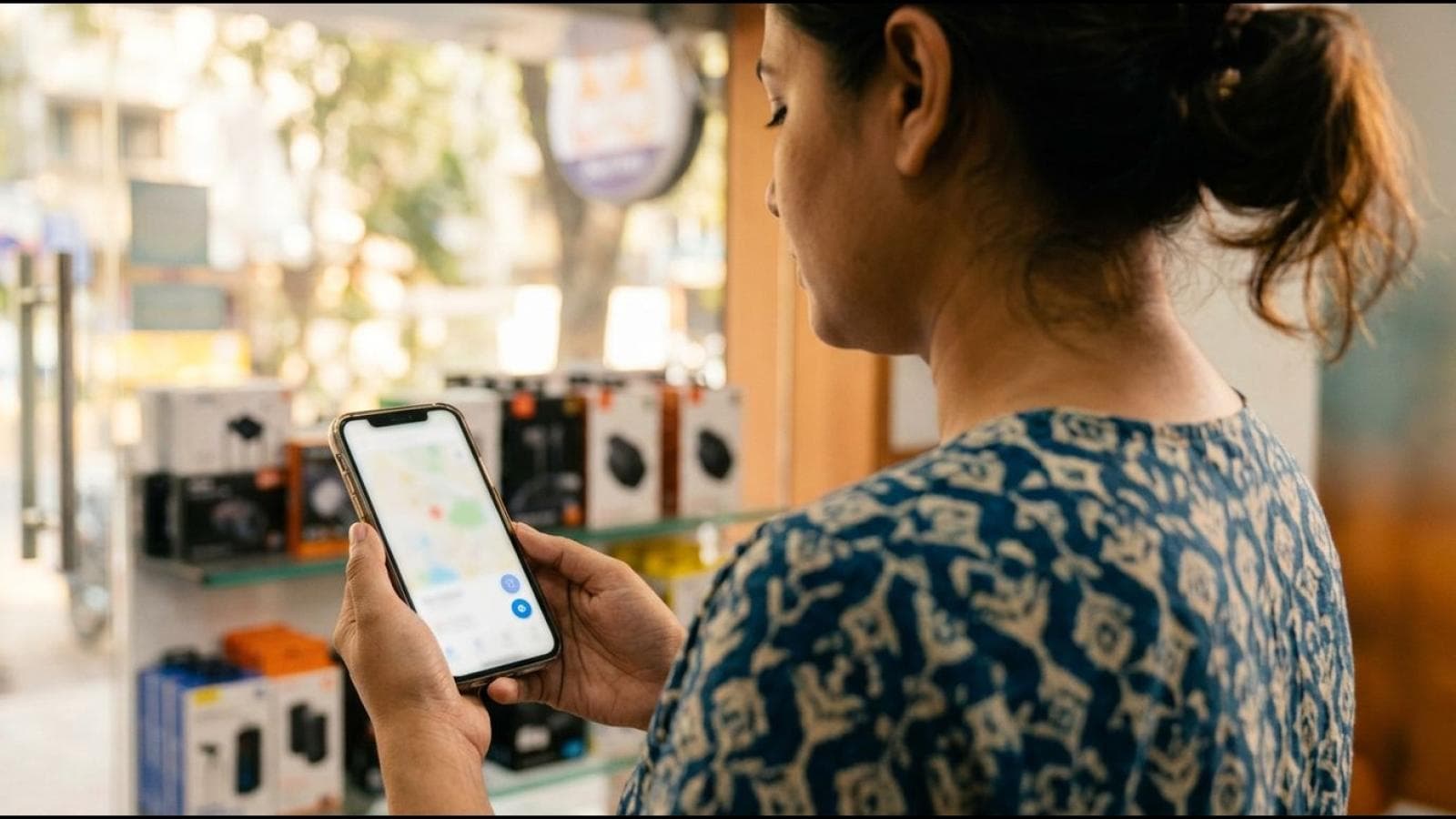
Getting views and getting calls on your Google Business Profile are two different problems. Google Business Profile conversion optimization is the practice of turning people who already see your profile — checking hours, reading reviews, comparing you against three other businesses on the map — into people who call, message, or book. Most Mumbai businesses treat their profile as a listing to fill in once and forget. The ones that convert treat it as a landing page that happens to live inside Google Maps.
If you've already ruled out visibility problems and know people are finding your profile, this guide covers exactly what to change — the call button, the booking link, the photos, the offers, the WhatsApp journey, and the landing page your profile sends traffic to — so more of those views turn into paying customers.
Fix the Call Button First
The call button is the highest-intent action on your Google Business Profile — someone who taps it has already decided you're worth talking to. Most businesses lose this conversion at the last step for reasons that have nothing to do with marketing.
- Use a number that's actually answered during business hours. If your GBP number rings through to a landline nobody picks up, every tap is a lost lead — test it yourself right now.
- Match your listed hours to your real availability. Google shows "Open now" based on your profile hours; a customer calling at 7pm because your profile says open, only to find your team gone, is a broken promise.
- Set up call tracking if you run paid ads. A dedicated tracking number separates GBP-driven calls from calls via your website or Google Ads — Google's own performance metrics show call counts, not which calls converted to sales.
- Route missed calls somewhere. A missed-call SMS or WhatsApp auto-message recovers calls that would otherwise be lost, especially for service businesses fielding calls mid-job.
Google's own guidance on Business Profile actions is explicit that call and message buttons exist to connect a customer directly to your business — a dead or slow-to-answer number is wasted profile equity.
Set Up Booking and Appointment Links That Actually Get Clicked
A booking link on your Google Business Profile removes the back-and-forth of a phone call — the customer sees your slots and books without waiting for a callback. For service businesses (clinics, salons, consultants, repair services), this is often the highest-converting action you can add to a profile.
Three things determine whether it actually converts once clicked: the booking page loads fast on mobile (most GBP traffic is a phone user comparing Maps results — a slow page loses them to the next listing), the available slots are real and current (a "fully booked" calendar kills trust instantly), and confirmation is instant (a booking with no confirmation message leaves the customer uncertain it worked, so many call to double-check anyway).
If you don't have a formal booking system, a "Book a Free Consultation" button linking to a short form works almost as well — the goal is giving customers a next step that doesn't require picking up the phone.
Build the Landing Page Your Profile Actually Sends Traffic To
Every website click from your Google Business Profile lands on one specific page — and that page decides whether the visit turns into an enquiry. Most Mumbai businesses point their GBP "Website" button at their homepage, which is built to explain the whole business, not to convert a visitor who already found you through a local search.
A high-converting landing page for GBP traffic does four things in the first screen a mobile visitor sees: states what you do and where in plain language (match the intent behind their Maps search, not a generic "Welcome to our website" headline); puts the call and WhatsApp buttons above the fold so a visitor never has to scroll to reach you; shows real proof close to the top — a star rating, client logo strip, or one-line testimonial — repeating the trust your GBP reviews already started; and offers one clear next action, not five competing ones.
This is exactly what a properly built lead generation website is designed to solve — every element is arranged around a single conversion goal, and every lead source, including Google Business Profile traffic, is tracked separately so you know which channel is actually producing paying customers.
Since over three-quarters of GBP interactions happen on a phone, test every button on your actual device — a broken dialer link, a WhatsApp link pointing at the wrong number, or a pop-up covering your call button on first load are invisible until you check on the screen your customers actually use.
Present Your Services So Visitors Don't Have to Guess
Google Business Profile lets you list individual services with names, descriptions, and prices — most businesses skip this section or fill it in once with vague one-word entries. A visitor scanning your profile in the ten seconds before tapping away wants to know, at a glance, whether you do the specific thing they need.
- Name each service the way a customer searches, not how your team refers to it internally — "AC repair and gas refilling" converts better than "HVAC services."
- Add a one-line description answering the obvious follow-up question (turnaround time, what's included, same-day availability).
- List starting prices where your industry allows it — visitors are far more likely to click the profile that doesn't hide pricing entirely.
- Keep the list current; a service you stopped offering two years ago still generating enquiries damages trust on the first call.
Position Your Reviews So They Do the Selling for You
Reviews are the biggest trust signal on a Google Business Profile, but most businesses treat them passively — collect a few, hope for the best, and never manage what a new visitor sees first.
Encourage the reviews that answer real objections
Google doesn't let you pin a review to the top, but you can shape visibility by encouraging detailed feedback on the specific concerns prospects usually have — pricing transparency, punctuality, quality of work — right after a job is completed, while the experience is fresh. Ten reviews that each mention a different specific strength read far more credibly than fifty one-line "good service" entries.
Respond to every review, especially the negative ones
A thoughtful response to a 2-star review often does more for conversion than another 5-star one — it shows a prospect exactly how you'll handle it if something goes wrong. Google's guidelines on managing reviews confirm that responding is treated as a genuine engagement signal, not just customer service theatre.
Use Photos to Convert, Not Just to Rank
Most local SEO advice treats photos purely as a ranking input — upload more, tag them, get more views. For conversion, photos answer the unspoken question "is this a real, professional business I can trust?" before the visitor reads a single word.
- Lead with your storefront or workspace, shot in daylight showing your actual signage — this one photo confirms legitimacy more than any review text.
- Show your team at work, not stock photos — a genuine photo of staff mid-task signals a real, operating business.
- Include finished-work photos for service businesses — before/after shots for anything visual (renovation, landscaping, repair, design) convert far better than descriptions alone.
- Upload a short video if you can manage it — profiles with video get noticeably more attention and show personality, not just facts.
- Skip generic stock photography. Visitors spot a stock image at a glance, and it undercuts the trust the rest of the profile is building.
Run Offers and Promotions Through GBP Posts
Google Business Profile lets you publish time-limited Offers and regular update posts directly on your listing — a channel most Mumbai businesses never use or abandon after one try. A visible, current offer gives an undecided visitor the nudge to act now instead of "maybe later."
- Post a genuine, specific offer — a percentage off, a bundle, or a free add-on — not a vague "great deals available" post with no reason to click.
- Set a real expiry date. Urgency only works when it's true — a fake countdown erodes the trust reviews and photos are building.
- Include a clear CTA button (Call now, Book, Order online) so the visitor doesn't have to hunt for how to redeem it.
- Refresh posts regularly. A post from eight months ago signals a business that isn't actively managing its presence.
If the foundational setup work — categories, attributes, the base profile structure — isn't right yet, that needs fixing before offers and posts can do their job; see our full guide to Google Business Profile optimization for the complete setup process.
Set Up the WhatsApp Click-to-Chat Journey From Your Profile
WhatsApp is often the fastest path to conversion for Indian consumers — lower-commitment than a phone call, faster than a form. Done properly, the journey from "saw your profile" to "started a conversation" takes one tap.
- Add your WhatsApp number as a message option using a proper
wa.meclick-to-chat link, not just the number displayed as text. - Pre-fill a starter message (e.g. "Hi, I found you on Google and want to ask about [service]") so the customer isn't staring at a blank chat box.
- Reply fast, especially in the first hour. WhatsApp sets an expectation of quick replies — an unanswered message for a day feels far worse than an unanswered form.
- Use a WhatsApp Business number, not a personal one, for labeled business messaging, quick replies, and a catalog where relevant.
This is one of the exact mechanics built into a proper lead generation website — WhatsApp click-to-chat is wired in alongside the call button and contact form as a first-class conversion path, and every WhatsApp click gets tracked as a lead source in its own right.
Key statistics
- Businesses that respond to customer reviews are seen as 1.7x more trustworthy than businesses that don't, per BrightLocal's Local Consumer Review Survey (2025).
- Google's own Business Profile performance documentation confirms call clicks, direction requests, and website clicks are tracked as distinct customer actions — each channel's conversion should be measured separately, not blended into one number.
- WhatsApp Business reports over 200 million monthly active users globally, per Meta's official WhatsApp Business platform page, underscoring why a well-connected click-to-chat journey matters for Indian consumer-facing businesses.
The Last Step in Google Business Profile Conversion Optimization: Measure What Converts
The final piece is knowing which action is actually producing paying customers — not just which one gets the most taps. Without separate tracking, you're guessing whether to invest more in your booking link, your call button, or WhatsApp.
What to track for each channel
| Channel | What Google Reports | What You Should Track Separately |
|---|---|---|
| Phone calls | Call button taps | Which calls became a booking or sale, via a tracking number or CRM notes |
| Website clicks | Website button taps | What that visitor did on-site — form submission, WhatsApp click, bounce — via landing-page analytics |
| WhatsApp / messages | Message button taps (where supported) | Conversation-to-booking rate, logged manually or via a WhatsApp Business tool |
| Direction requests | "Get Directions" taps | Walk-in conversion rate, where your business type allows estimating it |
Google's dashboard gives you the first column for free. The second column — what actually happened after the tap — only comes from a landing page and lead-tracking setup built to capture it source by source, so you can see which channel deserves more of your attention and budget.
Frequently Asked Questions
What is Google Business Profile conversion optimization?
Google Business Profile conversion optimization is the process of improving how many people who view your profile actually take an action — calling, booking, messaging on WhatsApp, or clicking through to your website — rather than just increasing how many people see the listing. It covers the call button, booking links, photo strategy, review management, offers, and the landing page your profile sends traffic to.
Why is my Google Business Profile getting views but no calls?
This is usually caused by a broken or slow-to-answer call button, hours that don't match real availability, vague service listings, or a website link pointing to a generic homepage instead of a focused landing page. Each creates a gap between someone seeing your profile and taking the next step.
Should I add a booking link or just rely on the call button?
Both, where your business allows it. A booking link removes friction for customers who'd rather not call, especially outside business hours, while the call button still serves those who want to ask questions before committing. Offering both maximizes how many visitors find a comfortable way to reach you.
How often should I post offers on Google Business Profile?
Aim for at least one genuine, specific offer or update post every one to two weeks. GBP posts have a limited visible lifespan, and a profile with stale or no recent posts signals a business that isn't actively managing its presence, which can quietly hurt conversion.
How do I track whether GBP calls actually convert to sales?
Use a dedicated call-tracking number so calls from your Google Business Profile are separated from other channels, then log outcomes in your CRM or a simple spreadsheet. Combine that with landing-page analytics and manual WhatsApp conversation tracking to see which channel genuinely produces paying customers.
Reference reading
- Google's official guide to understanding Business Profile performance data
- Google's guidelines on managing and responding to Business Profile reviews
- BrightLocal's Local Consumer Review Survey on how reviews influence trust and conversion
Watch on YouTube: How To Optimize Your Google Business Profile To Increase Phone Calls
Want a Google Business Profile that turns views into booked jobs, not just impressions? We'll audit your profile and your linked landing page together.
Get your free Google Business Profile auditYour GBP traffic deserves a landing page built to convert it — not a generic homepage.
See how our lead generation websites are built