How to Use Heatmaps and Session Recordings for Ecommerce Conversion Optimization
Learn how heatmaps and session recordings can uncover user behavior, reveal conversion blockers, and help you optimize your ecommerce store for higher sales and a better customer experience.
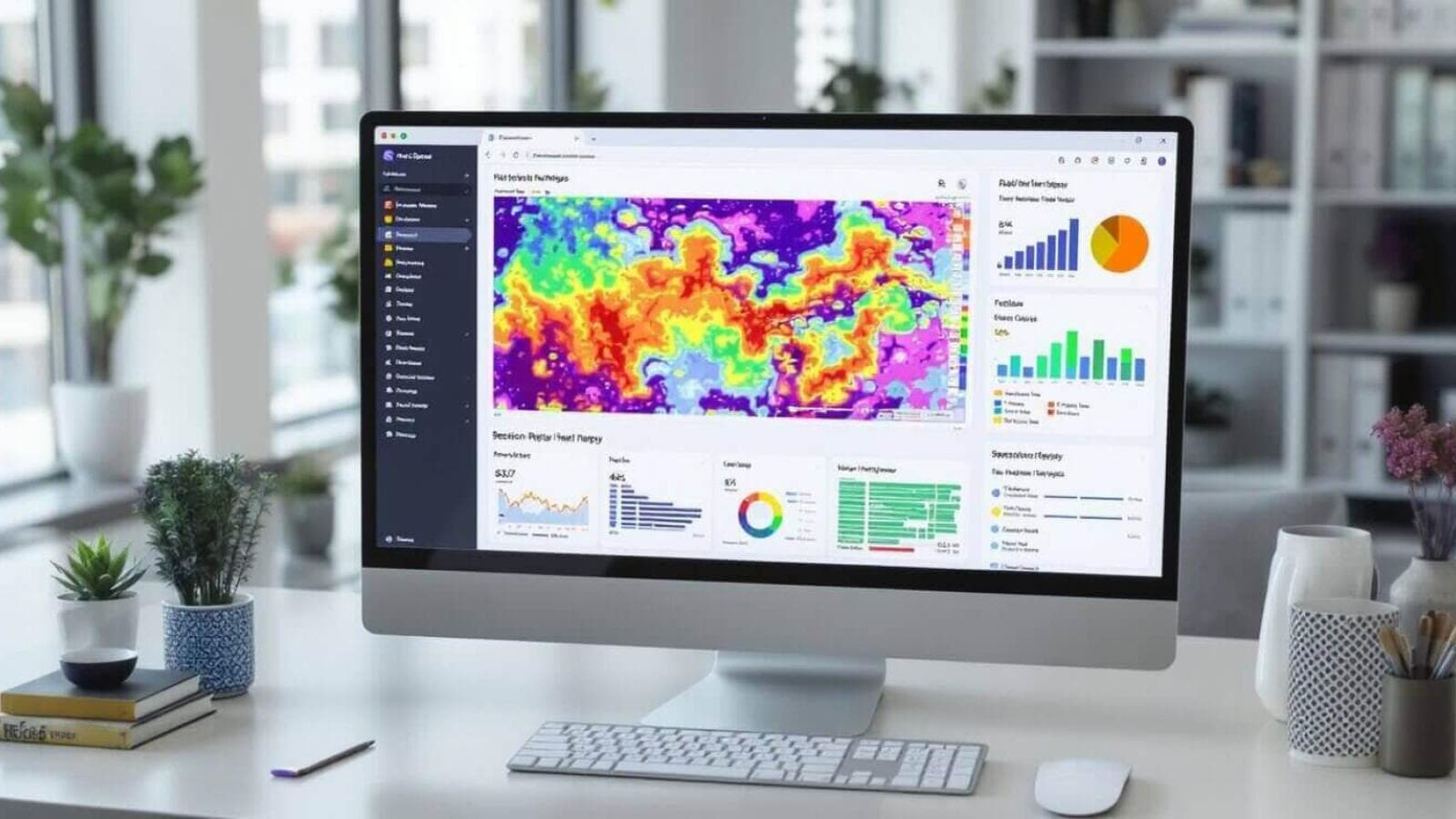
In the fiercely competitive world of ecommerce, understanding exactly how visitors interact with your online store is the key to unlocking higher conversions and sales. But how do you peek behind the curtain to see what’s working—and what’s causing shoppers to drop off? Enter heatmaps and session recordings for ecommerce: two powerful tools that let you visualize user behavior, identify bottlenecks, and make data-driven changes that lead to real results.
In this comprehensive guide, you’ll learn how to leverage heatmaps and session recordings to improve online store conversions, boost sales, and create a smooth, delightful shopping experience for your customers. We’ll cover practical steps, expert tips, real-world examples, and the latest trends in ecommerce user behavior analytics. Let’s dive in!
What Are Heatmaps and Session Recordings?
Before we jump in, let’s clarify what these tools actually are:
Heatmaps
Heatmaps are visual representations of aggregate user interactions on your website. They use color to indicate where users click, scroll, or move their mouse, making it easy to spot hot (frequently interacted) and cold (ignored) areas on your pages.
Types of heatmaps include:
- Click Heatmaps: Show where users click the most.
- Scroll Heatmaps: Reveal how far users scroll down a page.
- Move Heatmaps: Track mouse movement patterns.
Session Recordings
Session recordings (or session replays) are video-like playbacks of real user sessions on your site. You can watch how individual users navigate, what they click, where they hesitate, and exactly where they abandon the process.
FactStudies show that ecommerce brands using heatmaps and session recording software regularly can increase conversion rates by up to 30% through data-driven optimization.Why Use Heatmaps and Session Recordings for Ecommerce?
Ecommerce conversion optimization hinges on understanding your customer’s journey. Traditional analytics tell you what happened (like bounce rates), but heatmaps and session recordings reveal the why behind user behavior.
Benefits:
- Visualize User Behavior: Instantly see how shoppers interact with your store.
- Identify Conversion Bottlenecks: Spot where users get stuck or drop off.
- Improve Website User Experience: Optimize layouts, CTAs, and information flow.
- Reduce Cart Abandonment: Pinpoint friction in the checkout process.
- Prioritize Changes: Focus on fixes with the biggest impact on sales.
A Step-by-Step Guide to Ecommerce Heatmap Analysis
Ready to get started? Follow this guide to analyze and act on heatmap data for your online store.
1. Choose the Right Website Heatmap Tools
Select a solution that fits your ecommerce platform and business needs. Popular options include:
- Hotjar (great for Shopify and WooCommerce)
- Crazy Egg
- Microsoft Clarity (free and robust)
- Lucky Orange
When comparing website heatmap tools, consider integration ease, GDPR compliance, and session recording features.
2. Set Up Tracking on Key Pages
Focus your heatmap analysis on high-impact pages:
- Home page
- Product pages
- Category pages
- Cart and checkout
- Landing pages from ads
3. Analyze Heatmap Data
Look for patterns and anomalies:
- Are important CTAs getting enough clicks?
- Do users scroll far enough to see your offers?
- Are non-clickable elements (like images) drawing attention?
- Is key information placed above the fold?
Example: Using Heatmaps to Reduce Cart Abandonment
If your heatmap shows users dropping off before reaching the “Place Order” button, consider moving it higher on the page, making it more prominent, or simplifying the checkout form.
4. Implement Changes & Test
Based on your findings, make targeted improvements:
- Move or redesign buttons
- Simplify navigation menus
- Highlight offers or trust badges
- Reduce form fields in checkout
Then, use session recordings to observe if the changes result in smoother user journeys and higher conversions.
5. Review, Iterate, and Optimize
Conversion rate optimization is ongoing. Review heatmap and session data regularly—especially after major design updates or marketing campaigns.
FactMost ecommerce sites see the greatest conversion lifts from optimizing product pages and checkout flows, as revealed by heatmap and session replay studies.How to Use Session Recordings to Identify Conversion Bottlenecks
Session recording software provides a play-by-play look at real user interactions, making it easier to:
- Spot Friction Points: Watch where users hesitate, rage-click, or get confused.
- Understand Drop-offs: See exactly why users abandon carts or forms.
- Track Ecommerce User Interactions: Follow the entire funnel from landing to purchase.
- Validate Hypotheses: Confirm if heatmap insights accurately reflect real user struggles.
Practical Example: Session Replays for Optimizing Checkout
If session replays show users repeatedly failing to complete a payment field, you can investigate for technical bugs, unclear instructions, or trust issues—then fix accordingly.
TipUse session recordings to monitor the impact of new features or promotions. Watch for unexpected drop-offs or confusion right after launch.Heatmap vs Session Recording for Ecommerce: Which Tool Should You Use?
Both tools are essential for ecommerce analytics, but they serve slightly different purposes:
| Feature | Heatmaps | Session Recordings |
|---|---|---|
| Data Type | Aggregate (all users) | Individual user sessions |
| Best For | Spotting broad patterns | Investigating specific issues |
| Use Case | Layout optimization | Debugging, UX testing |
| Data Volume | High-level overview | In-depth exploration |
For best results, use them together for both website usability testing and ongoing ecommerce website optimization.
How to Interpret Ecommerce Heatmap Data
When looking at heatmaps, pay attention to:
- Hotspots: Are they aligned with your conversion goals?
- Dead Zones: Are key elements being ignored?
- False Clicks: Are users clicking non-interactive elements (causing frustration)?
- Scroll Depth: Are users seeing your main offers and CTA buttons?
Best Session Recording Tools for Online Stores
Some of the top-rated session recording tools in ecommerce include:
- Hotjar: Intuitive, with robust privacy features.
- FullStory: Advanced analytics and segmentation.
- Microsoft Clarity: Free with unlimited recordings.
- Lucky Orange: Real-time analytics and chat.
Look for solutions that offer:
- Easy integration with your ecommerce platform
- GDPR and CCPA compliance
- Strong filtering and segmentation
- Privacy controls (masking sensitive fields)
Improving Ecommerce Sales with User Behavior Analytics
User behavior analytics tools help you:
- Map Customer Journeys: See where users enter, navigate, and exit.
- Identify UX Issues: Find confusing layouts or broken links.
- Prioritize Fixes: Focus on changes that impact revenue.
- Track Ecommerce User Interactions: Analyze clicks, scrolls, form entries, and more.
Practical Use Cases
- Using Heatmaps to Increase Ecommerce Conversions: Move underperforming CTAs to hotspots and test new layouts.
- Session Recordings to Identify UX Issues: Watch for error messages, back-and-forth navigation, or form abandonment.
- Using Heatmaps to Reduce Cart Abandonment: Highlight trust badges, simplify checkout, and test different button placements.
Conversion Rate Optimization Tools That Pair Well with Heatmaps & Session Recordings
For a holistic ecommerce analytics stack, consider pairing your heatmap and session recording software with:
- A/B Testing Tools: Like Optimizely or Google Optimize.
- Web Analytics: Google Analytics, GA4, or Mixpanel.
- Customer Feedback Tools: Surveys or on-site polls.
How Often Should You Review Heatmap and Session Recording Data?
- After Major Site Changes: Redesigns, new product launches, or feature updates.
- Monthly or Quarterly: As part of regular conversion optimization cycles.
- During Marketing Campaigns: To monitor landing page performance.
- When Conversion Rates Drop: Quickly diagnose and address issues.
Latest News & Trends
1. AI-Powered User Behavior Analytics on the Rise
AI and machine learning are increasingly used to analyze session recordings and heatmaps, automatically surfacing UX issues and predicting conversion blockers. This trend is making ecommerce analytics faster and more actionable than ever.
2. Privacy Regulations Shaping Session Recording Tools
With stricter privacy laws like GDPR and CCPA, session recording software is now prioritizing features like data masking, user consent, and anonymization to ensure compliance for ecommerce businesses worldwide.
3. Mobile-First Heatmap Analysis
As mobile shopping now dominates ecommerce traffic, heatmap tools are focusing on mobile-specific analytics, helping brands optimize for thumb zones, responsive layouts, and faster checkout experiences.
4. Integration with Customer Journey Mapping
Modern tools are integrating heatmaps and session recordings with broader customer journey mapping platforms, offering a unified view of user paths, drop-offs, and touchpoints across devices.
Conclusion: Start Visualizing, Start Improving
Heatmaps and session recordings are no longer “nice to have”—they’re essential for any store aiming to increase ecommerce sales and deliver a seamless shopping experience. By visualizing user behavior, identifying friction points, and continually optimizing, you’ll not only improve online store conversions but also build lasting customer loyalty.
Ready to take your ecommerce analytics to the next level? Start with a free heatmap tool, watch a few session replays, and see what you discover. Every insight is a step towards a higher-converting ecommerce site!
About Prateeksha Web Design
Prateeksha Web Design specializes in ecommerce website optimization, offering expert implementation of heatmaps, session recording tools, and user behavior analytics to help online stores boost conversions and grow revenue.
Chat with us now Contact us today.