Google Business Profile Gets Views but No Calls? 12 Reasons Mumbai Businesses Lose Leads
Views up, calls flat? Here are 12 concrete reasons your Google Business Profile isn't converting visibility into calls — and how to fix each one.
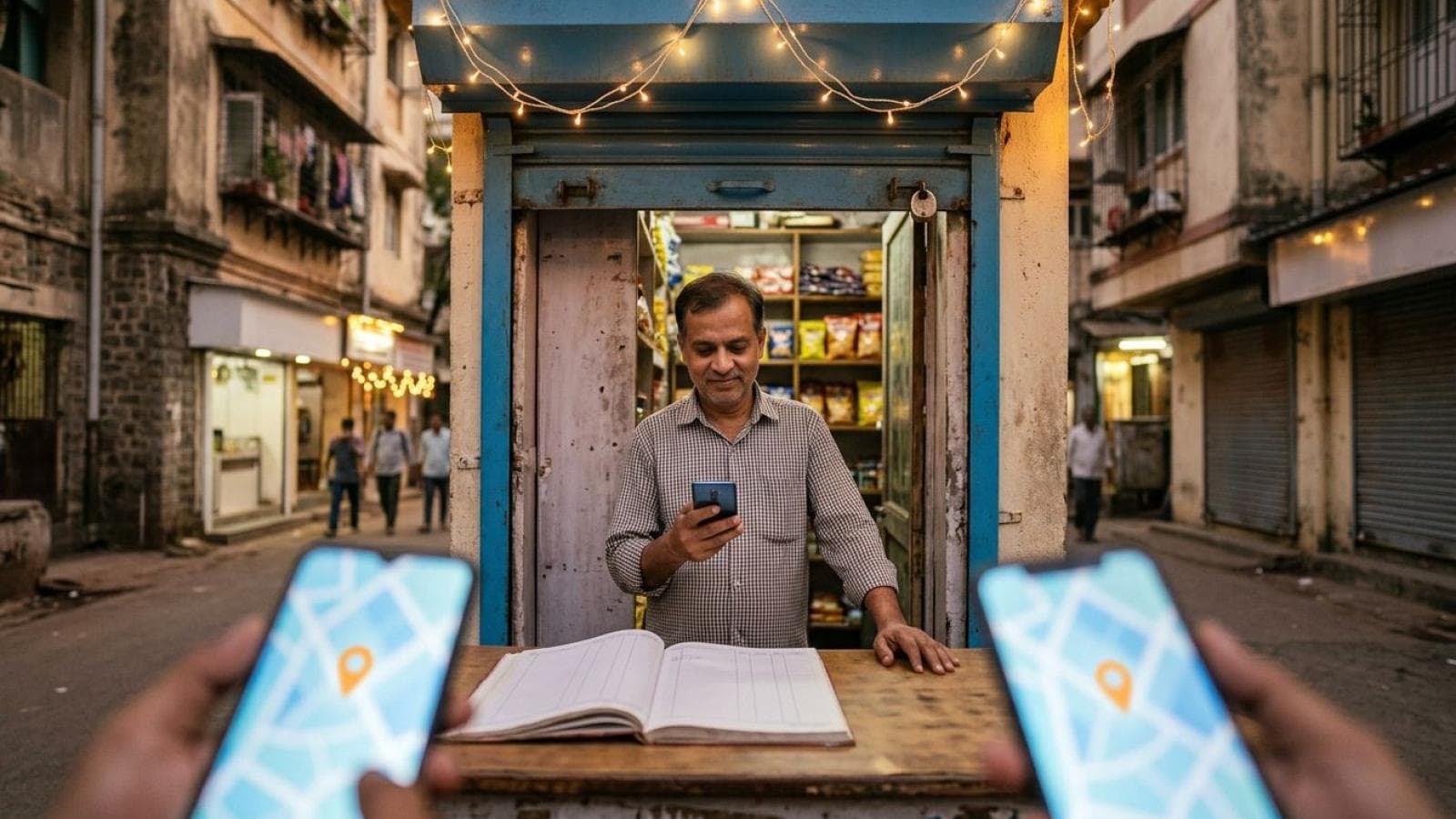
Your Google Business Profile shows up in searches. People see it, scroll past your photos, maybe even read your reviews. Then nothing happens — no call, no WhatsApp message, no direction request. If your Business Profile insights show rising views but flat calls, the problem isn't visibility. It's conversion. Your profile is doing its job of getting found; it's failing at the much harder job of getting chosen.
This is a different diagnosis from most Google Business Profile advice, which focuses almost entirely on ranking higher. Ranking gets you seen. Conversion gets you paid. A profile at position four with a 40% call rate often beats one at position one converting only 2%, because the top business is burning its visibility on searchers who look, hesitate, and pick someone else. Below are twelve specific reasons that happens, and what to fix for each.
1. Your Primary CTA Button Is Set to the Wrong Action
Google lets you choose one primary action button — Call, Book, Order Online, or a generic website link. Many businesses default to "Website" out of habit, then wonder why calls stay flat. A website click sends a mobile searcher into a slower path: load the site, find the number, decide to dial. Every extra step loses people.
The fix: set your primary action to Call if phone enquiries drive your business, not Website. Service businesses taking bookings should use the Book action tied to a real scheduling link. Check this under "Edit profile" → "Business information" → Contact — most owners never touch it after setup.
2. Your Photos Look Like Stock Images or Nothing at All
A thin photo set signals low trust before a searcher reads a word of your description. Generic stock photography, a single blurry storefront shot, or five-year-old images read as neglected — people don't call businesses that look neglected.
The fix: add at least 10 recent, real photos of your space, team, and work, replacing anything older than 12 months. A service business without a storefront should photograph work on-site — a plumber's before/after set converts better than any stock image.
3. Your Reviews Are Old, Thin, or Unanswered
A searcher comparing nearby options reads reviews as their final filter before dialing. A profile with 4 reviews from 2023 loses to a competitor with 60 from the last six months, even at a slightly lower rating. Recency and volume are both trust signals, and an unanswered 3-star review at the top costs you calls — it reads as a business that stopped caring once the sale closed.
The fix: build an ask-for-a-review habit into your close (a text or WhatsApp link right after service beats an email sent days later). Respond to every review, good and bad, within a few days. Google's own guidance on getting more reviews is explicit that incentivized reviews are a policy violation, so keep the ask simple and unconditional.
4. Your Business Description Doesn't Say What You Actually Do
Generic lines like "We provide quality services to our valued customers" tell a searcher nothing. Someone comparing local pack profiles decides in seconds whether to tap through or move on — a vague description gives them no reason to pick you.
The fix: rewrite your description around your specific services, your service area, and one differentiator (same-day response, 15 years in business, a certification). Lead with the concrete detail, not the adjective.
5. There's No Clear Pricing or Service Scope Signal
Not knowing roughly what something costs is one of the biggest reasons a searcher hesitates before calling — especially for services bought rarely, like a locksmith or an AC repair, where fear of an inflated quote keeps the phone silent.
The fix: add a starting price or range in your description or a Google Post where your industry allows it. If exact pricing varies too much, be explicit about what a free estimate covers, so the call feels lower-risk.
6. You Don't Offer a WhatsApp Path for Mumbai and Indian Buyers
Many Indian consumers, especially younger and urban ones, avoid the friction of a phone call and would rather type a quick message. A profile with only a phone number filters out this entire segment before they ever get to you.
The fix: add your WhatsApp number to the site linked from your profile, and mention it directly in your description or a Google Post ("Message us on WhatsApp for a quick quote"). See our guide on building a WhatsApp lead generation funnel for the full setup.
7. Your Category Selection Is Pulling In the Wrong Searches
Google's local results are driven by relevance, distance, and prominence, and category is one of the strongest relevance signals. A business categorized too broadly — a bakery listed only as "Restaurant" — gets impressions from searches it can't serve, inflating views without adding calls: exactly the pattern this article opened with.
The fix: audit your primary and secondary categories against what you actually sell. Choose the most specific primary category available, and add secondary categories only where genuinely accurate.
8. Your Hours Are Wrong, Confusing, or Missing Special Hours
A searcher who sees "Open" but arrives to a closed shop doesn't just lose that transaction — they often leave a review about it. Incorrect hours turn a ready-to-call searcher into a lost lead and a public complaint at once.
The fix: verify your standard hours for every day, and set special hours for festivals, holidays, and monsoon-season closures. Google surfaces "Open now" and "Closing soon" labels directly in search — get this wrong and you lose the click before the searcher reaches your profile.
9. You're Not Posting, So Your Profile Looks Inactive
Google does not publicly confirm posting frequency as a ranking factor — its stated local ranking guidance centers on relevance, distance, and prominence. What posting affects is trust: a Google Post from three years ago reads as abandoned, even if the business is thriving. That's a conversion signal, not a confirmed ranking one, and the two get conflated constantly in generic GBP advice.
The fix: post something at least monthly — a completed project, a seasonal offer, a team update. The goal is reassuring a searcher that a real, active business is behind the profile they're about to call.
10. Your Website Link Leads to a Slow or Irrelevant Page
A searcher who taps your website link has already shown high intent, and a slow-loading homepage that doesn't match what they searched for kills that intent in seconds.
The fix: link the website field to a fast, service-specific landing page rather than a generic homepage, and confirm it loads quickly on mobile. If your site is generally slow, that lag shows up here as lost calls — worth auditing alongside professional local SEO services that look at visibility and page performance together.
11. You Look Identical to Every Competitor Nearby
When a searcher opens three or four local pack profiles side by side, they're unconsciously comparing them. If your photos, description, and reviews look interchangeable with the business next door, price and proximity become the only tiebreakers — and you might not win on either.
The fix: pick one genuine differentiator — turnaround time, a certification, a guarantee — and make it visible in your description, your top photo caption, and your Google Posts. Don't rely on your website to explain it; most searchers never click that far.
12. Your Messaging and Q&A Sections Are Empty or Slow to Respond
Google Business Profile lets searchers message you directly and ask public questions — both conversion opportunities most businesses ignore. An unanswered question sitting for months, or messaging turned off, tells a hesitant searcher there's no low-commitment way to learn more before calling.
The fix: turn on messaging if you can respond within a few hours, and check your Q&A monthly for unanswered questions. A profile that responds fast often converts a searcher who was never going to pick up the phone.
Key statistics
- 97% of consumers read reviews for local businesses before making a purchase decision, per the BrightLocal Local Consumer Review Survey 2026 (published February 2026, based on a panel of 1,002 US adult consumers).
- Consumers are 85% more likely to use a business after reading positive reviews about it, and 77% say negative reviews make them less likely to choose a business, per the same BrightLocal 2026 survey — underscoring why review recency and response rate affect call conversion, not just ranking.
- Google states local search results are ranked primarily on relevance, distance, and prominence — not on posting frequency alone — per Google's own Business Profile Help documentation on ranking , which is why treating "post more" as a guaranteed ranking fix is an agency assumption, not a confirmed Google factor.
Frequently Asked Questions
Why does my Google Business Profile get views but no calls?
Views but no calls usually means your profile wins the visibility battle but loses the trust and decision battle. Common causes include a website-only CTA instead of Call, thin or old photos, stale reviews, a vague description, or a website link that leads to a slow, irrelevant page. Views measure discovery; calls measure conversion — fixing one doesn't automatically fix the other.
Does posting more often on Google Business Profile actually help conversion?
Google's own guidance frames local ranking around relevance, distance, and prominence, not posting frequency as a direct ranking factor. Regular posting mainly helps trust: an active-looking profile with a recent post reassures a searcher that a real business is behind the listing, which supports conversion even without a confirmed ranking boost.
Should I set my primary Google Business Profile action to Call or Website?
If phone or WhatsApp enquiries are your main conversion path, set the primary action to Call. Website links add an extra step — load the site, find the number, decide to dial — and every extra step loses a percentage of otherwise interested searchers, especially on mobile.
How many photos does a Google Business Profile need to convert well?
There's no fixed minimum, but a thin set of one or two old images reads as neglected. Aim for at least 10 recent, real photos covering your space, team, and actual work, refreshed at least once a year, rather than relying on stock imagery or a single storefront shot.
Can I add WhatsApp to my Google Business Profile for Indian customers?
Google Business Profile doesn't offer a native WhatsApp button, but you can add your WhatsApp number to the website linked from your profile and mention it directly in your description or Google Posts. This matters especially for Mumbai and Indian audiences, where many searchers prefer messaging over a phone call.
Reference reading
- Google's official explanation of local search ranking (relevance, distance, prominence)
- Google's guidance on getting and responding to more reviews
- Google's photo and video standards for Business Profiles
- Google's LocalBusiness structured data documentation
Watch: Why Your Google Business Profile Ranks But Gets No Calls
Watch on YouTube: Why Your Google Business Profile Ranks But Gets No Calls
If your profile is visible but your calls aren't matching it, the fix usually isn't more visibility — it's a proper conversion audit of your CTA, photos, reviews, and description.
Get professional Google Business Profile optimization from Prateeksha Web DesignFixing these twelve issues won't happen overnight, and it doesn't need to. Start with the ones that take five minutes — your primary action button, your hours, your pending Q&A — then work through photos, reviews, and description over the next few weeks. A profile genuinely built to convert, not just to rank, is one of the highest-leverage assets a local Mumbai business can own.
Want your whole local presence — Google Business Profile, website, and lead capture — working together instead of leaking enquiries at each handoff?
Talk to Prateeksha Web Design about local SEO and Google Business Profile management